Loading...
Searching...
No Matches
◆ transform_auto_correlate_fft() [2/2]
template<OperationReadyData DataType>
| DataType MayaFlux::Yantra::transform_auto_correlate_fft | ( | DataType & | input, |
| std::vector< std::vector< double > > & | working_buffer, | ||
| bool | normalize = true |
||
| ) |
Auto-correlation using FFT (OUT-OF-PLACE)
- Template Parameters
-
DataType OperationReadyData type
- Parameters
-
input Input data - will NOT be modified working_buffer Buffer for operations (will be resized if needed) normalize Whether to normalize the result
- Returns
- Auto-correlated data
Definition at line 375 of file ConvolutionHelper.hpp.
376{
377 auto [target_data, structure_info] = OperationHelper::setup_operation_buffer(input, working_buffer);
378
379 auto correlation_op = [](const Eigen::VectorXcd& input_fft,
380 const Eigen::VectorXcd&,
381 Eigen::VectorXcd& result_fft) {
382 std::ranges::transform(input_fft, input_fft, result_fft.begin(),
383 [](const std::complex<double>& a, const std::complex<double>& b) {
384 return a * std::conj(b);
385 });
386 };
387
388 for (size_t i = 0; i < target_data.size(); ++i) {
389 std::vector<double> signal_copy(target_data[i].begin(), target_data[i].end());
390 auto result = fft_convolve_helper(target_data[i], signal_copy, correlation_op);
391
392 if (normalize && !result.empty()) {
393 double max_val = *std::max_element(result.begin(), result.end());
394 if (max_val > 0.0) {
395 std::ranges::transform(result, result.begin(),
396 [max_val](double val) { return val / max_val; });
397 }
398 }
399
400 working_buffer[i].resize(result.size());
401 working_buffer[i] = std::move(result);
402 }
403
404 return OperationHelper::reconstruct_from_double<DataType>(working_buffer, structure_info);
405}
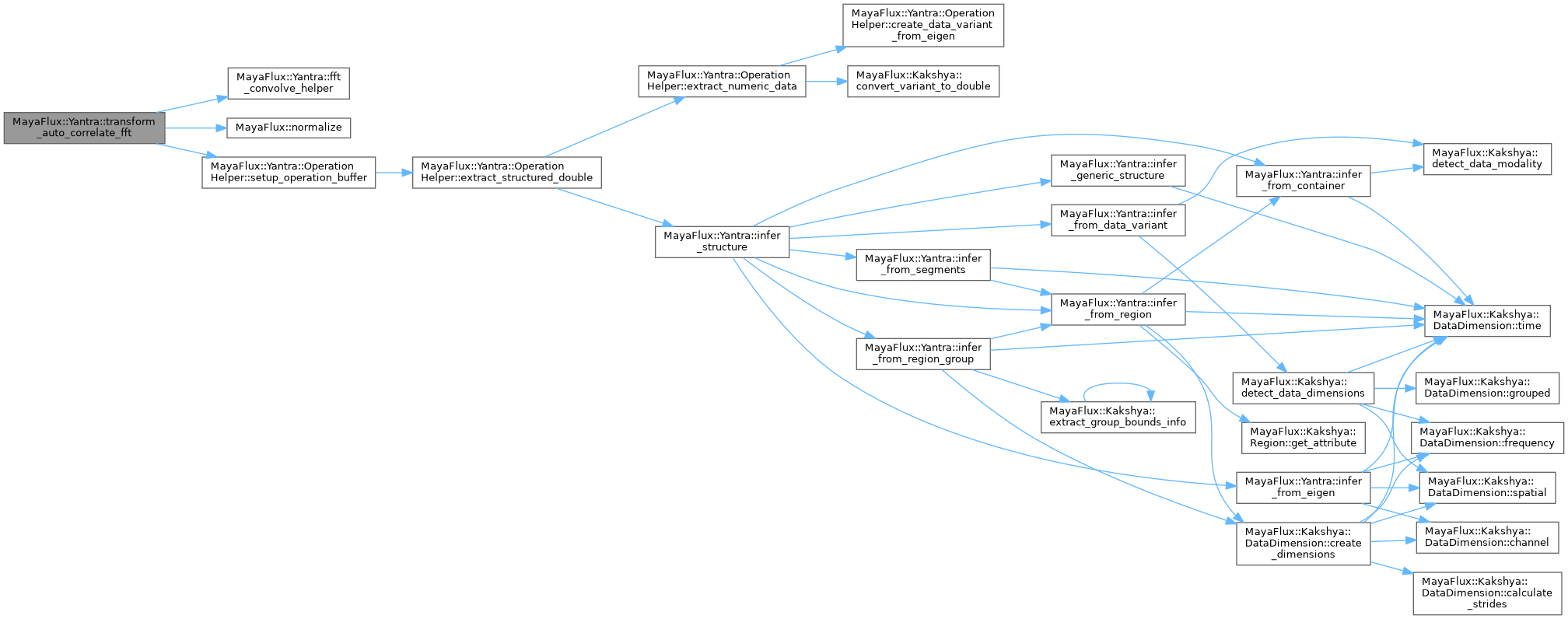
References fft_convolve_helper(), MayaFlux::normalize(), and MayaFlux::Yantra::OperationHelper::setup_operation_buffer().
 Here is the call graph for this function: